
Key Concepts
Before diving deeper into Gail, it’s helpful to understand the core concepts that power the platform.
Agents
An Agent is an AI-powered voice assistant. Each agent has its own:
- Personality - How the agent speaks and interacts
- Knowledge - Information the agent can reference
- Conversation Flow - Logic for handling different scenarios
- Voice Settings - The voice and speaking style
You can create multiple agents for different purposes (e.g., support, sales, appointments).
Call
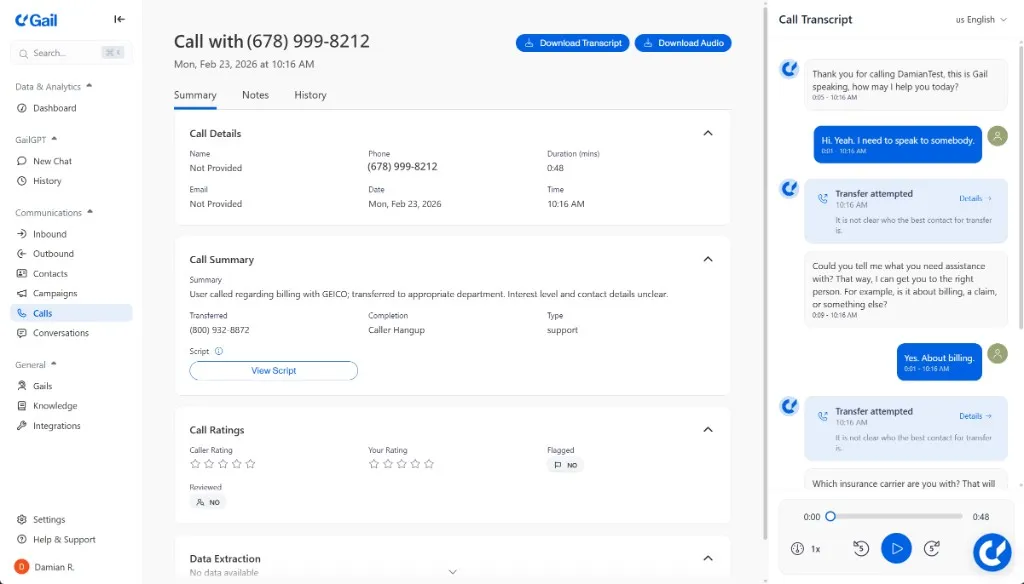
A Call represents a single call interaction between Gail and a caller. Each conversation includes:
- Transcript - Full text of what was said
- Recording - Audio file of the call
- Summary - A brief description of the purpose for the call
- Metadata - Duration, timestamps, caller info
- Outcome - How the call was resolved
Conversation
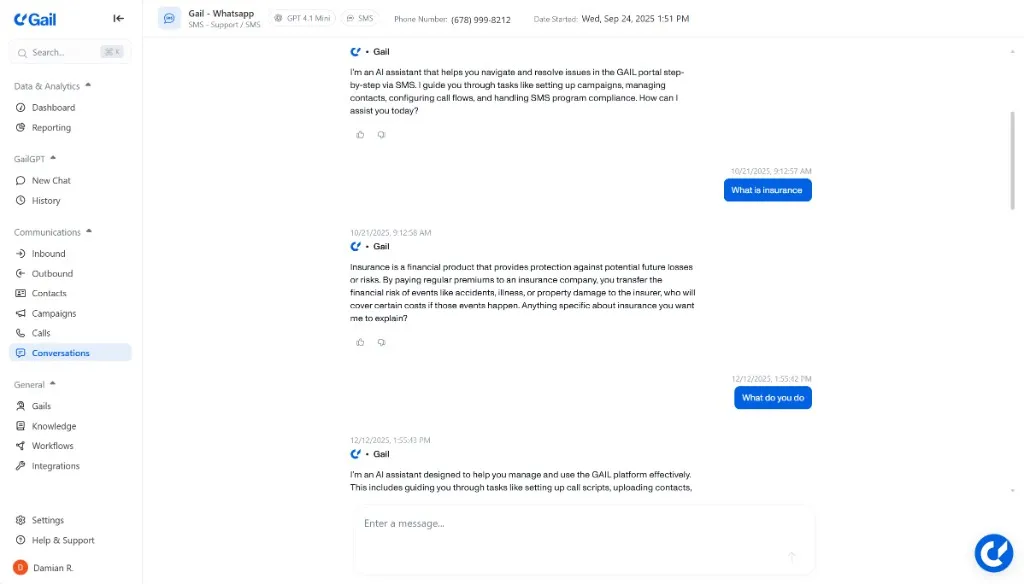
A Conversation represents a text interaction between Gail and a caller whether it is through webchat or SMS. Each conversation includes:
- Transcript - Full text transcript of what was said
- Metadata - Date, timestamps, user info
- Conversation Type - WhatsApp, SMS, Webchat
Knowledge Base
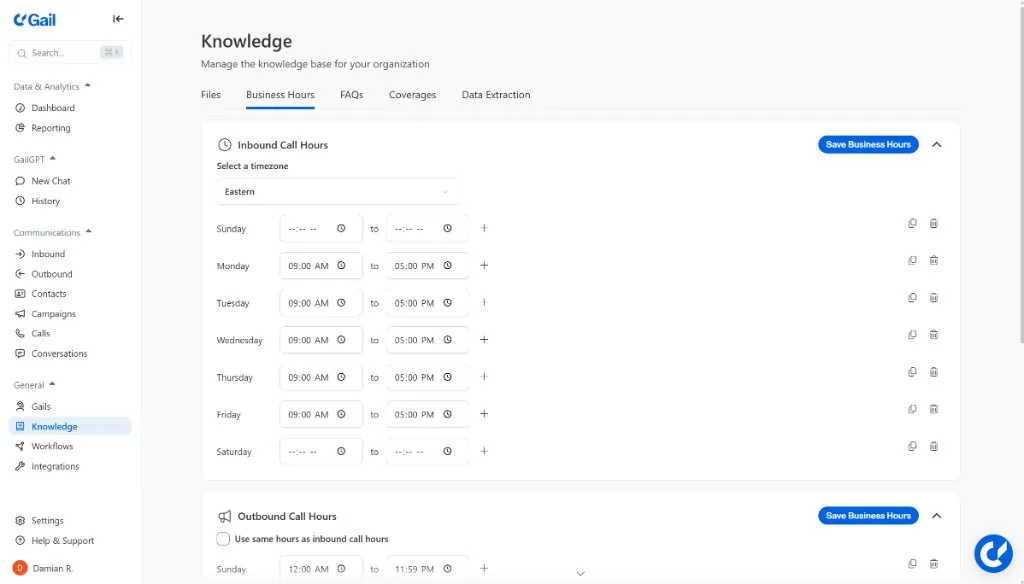
The Knowledge Base is how you teach Gail about your business. It can include:
- Files - Documents, PDFs, Word docs, text files
- Business Hours - Your Business Hours so Gail knows what days and times you are open
- FAQ’s - Questions that callers might frequently ask and their answers
- Coverages - The coverages you offer
- Data Extraction - The data you would like Gail to extract from calls for easy viewing
Gail uses this knowledge to answer questions accurately and naturally.
Phone Numbers
Phone Numbers connect your agents to the phone network. Gail supports:
- Purchasing new numbers - Get local or toll-free numbers instantly
- Call Forwarding - Forward your current main office line to Gail
- Inbound routing - Direct incoming calls to specific agents
- Outbound calling - Make calls from your assigned numbers
Intents & Actions
Intents are what the caller is trying to accomplish. Your agent can be configured to:
- Recognize common intents (booking, cancellation, inquiry)
- Take Actions based on intents (transfer call, send SMS, update CRM)
- Escalate to humans when needed
Webhooks & Integrations
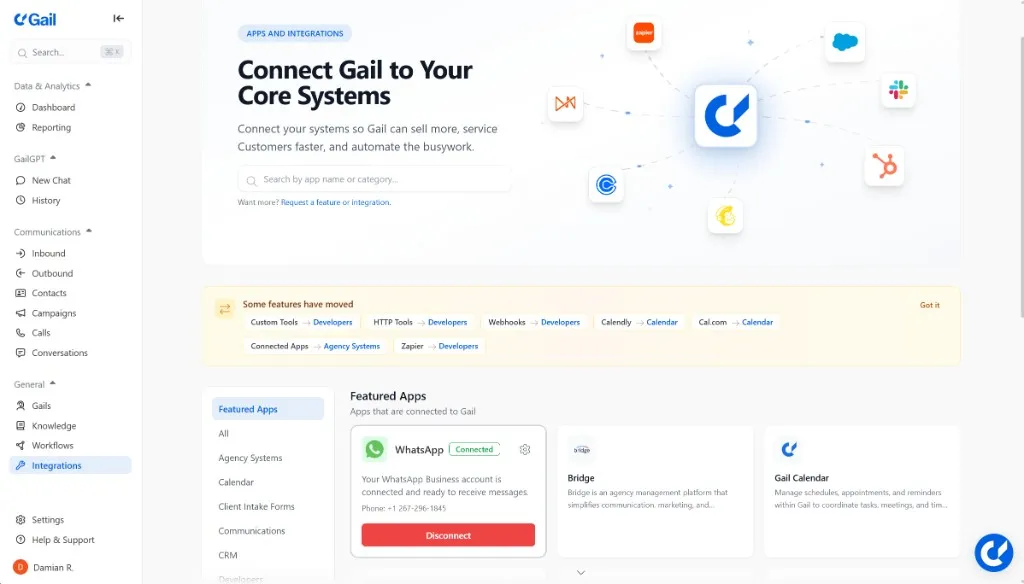
Webhooks let you receive real-time notifications about call events:
- Call started/ended
- Intent detected
- Action taken
- Conversation completed
Use webhooks to sync data with your CRM, trigger workflows, or log analytics.
Next Steps
Now that you understand the basics, explore these topics: