
Channel Message
The Channel Message node posts a message to a Slack channel. Use it to keep a team channel updated as a workflow runs, so everyone watching sees the same heads-up at the same time. The message can be fixed text or built from values the run gathered.
When to use it
- You want to announce to a whole team that something happened, like a batch finishing or a new lead arriving.
- You want a shared, visible record of what the workflow did in a channel.
- You need the whole channel notified rather than one person.
Inputs
The message can be written as an expression or a string template so it reflects what the run did.
Outputs
The Channel Message node reports whether the message was posted. There is no other value to read back. If it fails, you can route the run to handle the problem.
Example
Chen Insurance Group runs a nightly import of new contacts. When it finishes, a
Channel Message node posts a short summary to the team’s #renewals channel,
noting how many records were processed. The whole team sees the update the moment
the run completes, without anyone checking a dashboard.
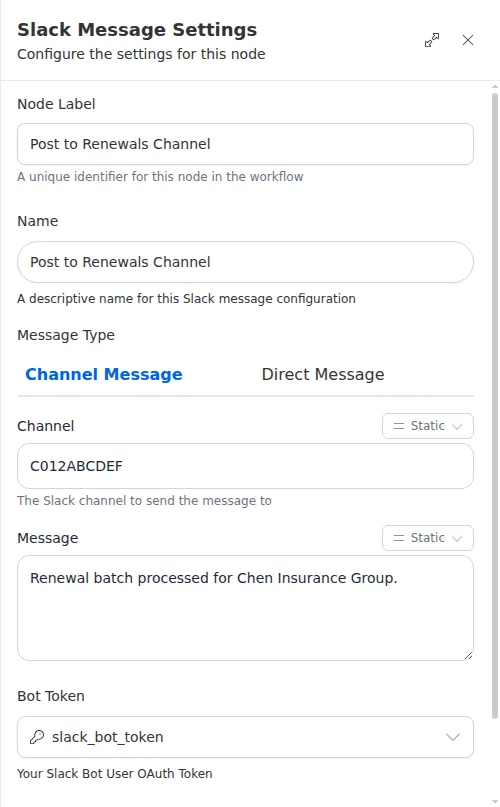
This node needs a connected Slack account. Connect Slack once from the Marketplace, and store the Slack credential as a secret rather than typing it into the node. The workflow references the secret by name, so the token itself is never exposed.