
Create Campaign
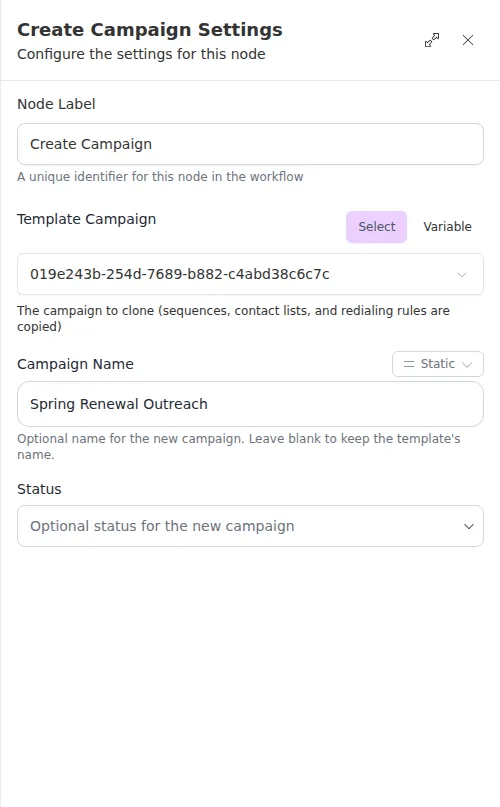
The Create Campaign node makes a new campaign by cloning an existing template campaign. The new campaign mirrors the template’s sequences, contact lists, redialing rules, and status, so you can stand up outreach programmatically instead of building each one by hand.
When to use it
- You have a master campaign template and want to spin up a fresh copy for a segment or a season.
- You want every new campaign to start from the same proven sequences and rules.
- You need the new campaign’s ID so later steps can start it or enroll contacts.
Inputs
Each field can be a fixed value or an expression.
Outputs
Example
An agency keeps a master renewal campaign it has tuned over time. Each quarter, a workflow uses Create Campaign to clone it into a “Spring Renewal Outreach” copy set to active, then passes the new campaign’s ID to Add Contacts to Campaign (Bulk) to enroll that quarter’s prospects.
An archived template cannot be cloned. If the template you point at has been archived, the node reports the problem and creates nothing, so route to a follow-up step if that is a possibility.