
Google Drive List Files
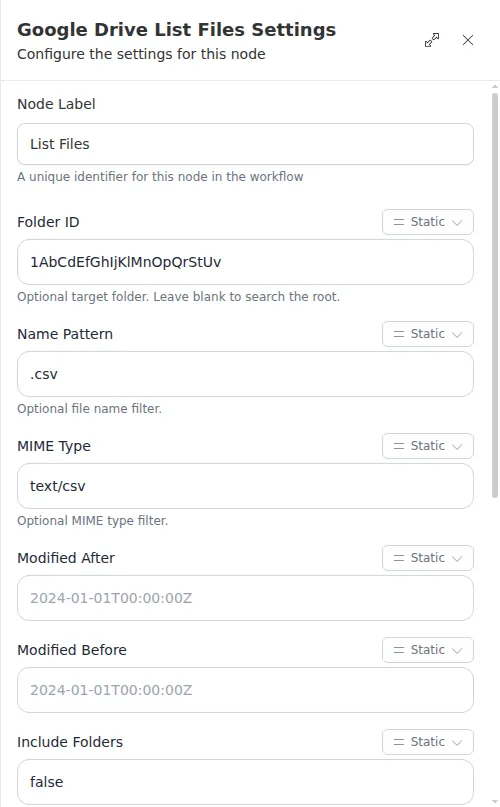
The List Files node looks inside a Google Drive folder and hands back the files and folders it finds, with optional filters on name, type, and date. It is the starting point for any workflow that needs to work through the contents of a folder.
When to use it
- You want to find the files in a folder before downloading or processing them.
- You need only files that match a pattern, a file type, or a date window.
- You want to loop over the results and act on each file in turn.
Inputs
Any field can be a fixed value or an expression that reads from an earlier step.
Outputs
Example
Chen Insurance Group keeps a Drive folder of daily carrier reports. A workflow runs each morning, uses List Files to find the CSV reports in that folder sorted by newest first, then loops over the results with a For Each step to download and process each one.
A single listing returns at most 1000 entries. If the “more available” flag comes back true, there were more matches than fit in one page - narrow the filter (by name, type, or date) and list again to be sure you catch everything.