
Start Campaign
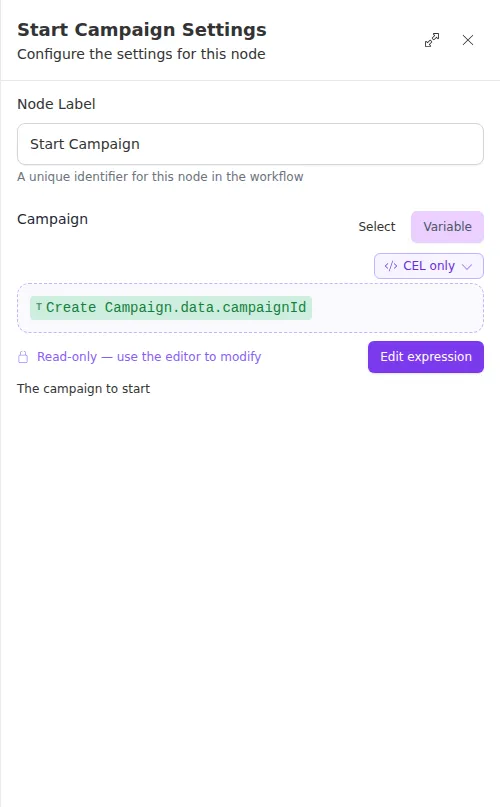
The Start Campaign node starts an existing campaign by its ID, moving it into a running state so it begins reaching out. It returns the campaign’s current details once started.
When to use it
- You have created or prepared a campaign and now want it to begin.
- You want to hold a campaign until a condition is met earlier in the run, then start it.
- You enroll contacts first and start the campaign only once everyone is in.
Inputs
The Campaign field can be a fixed ID or an expression that reads the ID from an earlier step or the trigger.
Outputs
Example
A workflow clones a campaign, enrolls that quarter’s renewal prospects into it, and only then calls Start Campaign with the new campaign’s ID so outreach begins once everyone is enrolled. Starting last avoids reaching out to a half-populated campaign.
Enroll your contacts before you start the campaign. Starting first means the campaign begins reaching out while you are still adding people, so the earliest contacts get different timing than the rest.