
Add Contact to Campaign
The Add Contact to Campaign node adds one existing contact to a campaign. Use it to enroll a person into outreach based on something that happened earlier in the run, such as a form submission or a scoring decision.
When to use it
- A contact just qualified for a campaign and you want them enrolled right away.
- You created a contact earlier in the run and now want them in a campaign.
- You are enrolling one person at a time, driven by a trigger or a condition.
For enrolling many contacts at once, use Add Contacts to Campaign (Bulk).
Inputs
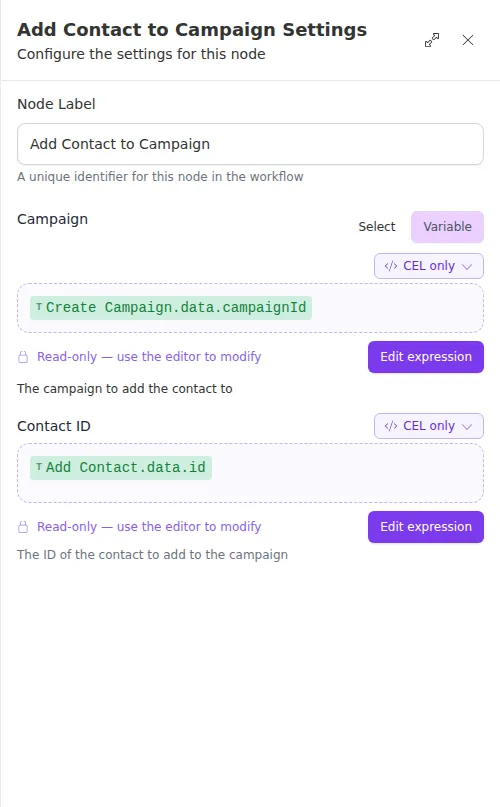
Both fields can be fixed IDs or expressions that read from earlier steps.
Outputs
Example
When a renewal form comes in, a workflow creates the contact with Add Contact and then uses Add Contact to Campaign to enroll them, feeding the new contact’s ID straight into this node. Sarah Chen submits her renewal, and moments later she is enrolled in the spring renewal campaign.
Enrollment is accepted for processing rather than finished the instant the node succeeds. A successful outcome means the request was taken, not that the contact is already receiving outreach.