
AgencyZoom Create Task
The Create Task node adds a new task in AgencyZoom. Only a title is required; everything else is optional. You can set a due time, an assignee, and a kind, and link the task to a customer or lead.
When to use it
- A workflow needs a person to follow up, so you create a task for them.
- You want to schedule a call, email, or meeting off the back of a run.
- You want to hand work to a teammate and link it to a customer or lead.
Inputs
Only the title is required. Any field can be a fixed value or an expression that reads from an earlier step. Link the task to a record by customer or lead id, or let AgencyZoom find one from a contact email.
Outputs
On success the node returns a confirmation that the task was created, including the new task’s id when AgencyZoom provides one.
Example
When a new lead comes in for Marcus Johnson, a workflow uses Create Task to add a “Call Marcus Johnson about auto quote” task, sets its kind to call, assigns it to his agent, and links it to his lead by his email. The task shows up on the agent’s list ready to work.
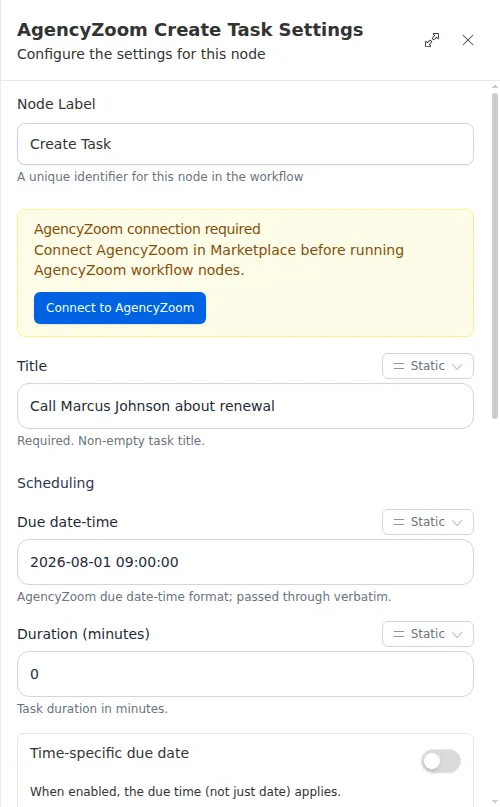
Only the title is required, so the simplest task is a title alone. Add a due time, an assignee, and a customer or lead link when you want the task to land on the right person’s list against the right record.