
Direct Message
The Direct Message node sends a private message to one Slack user. Use it to reach the right person directly, such as the owner of an account or the teammate who needs to act, rather than posting to a whole channel. The message can be fixed text or built from values the run gathered.
When to use it
- You want to notify one specific person, like the account owner for a new lead.
- The message is meant for an individual rather than a whole team.
- You want a quiet nudge that does not clutter a shared channel.
Inputs
The message can be written as an expression or a string template so it reflects what the run did.
Outputs
The Direct Message node reports whether the message was sent. There is no other value to read back. If it fails, you can route the run to handle the problem.
Example
When a renewal is completed for Marcus Johnson, a workflow sends a direct message to the agent who owns his account, letting them know it is done and ready for follow-up. Because it goes straight to that one person, it lands as a personal nudge rather than another post in a busy channel.
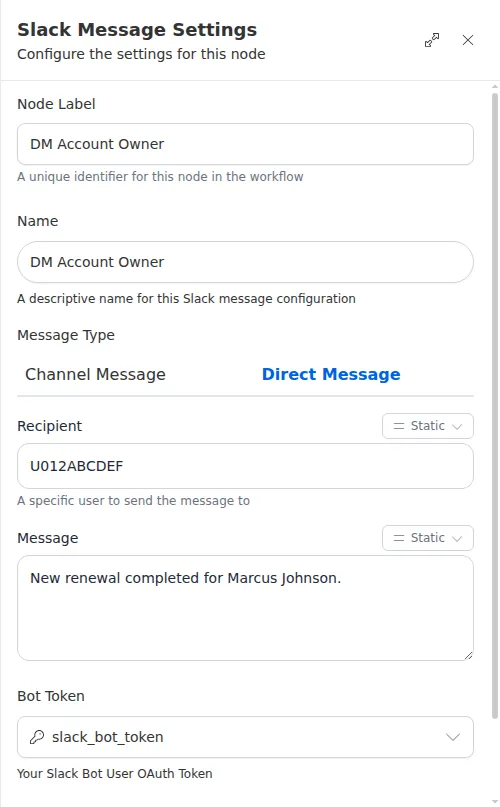
This node needs a connected Slack account. Connect Slack once from the Marketplace, and store the Slack credential as a secret rather than typing it into the node. The recipient is a specific Slack user, so make sure you have the right person before the run reaches this step.