
Random Number
The Random Number node picks a random whole number between a minimum and a maximum you choose. It is handy for sampling, spreading work out, and simple splits where you want a share of runs to go one way and the rest another.
When to use it
- You want to sample a portion of records, such as pulling roughly one in ten for a quality review.
- You want to split runs into groups for an A/B test, paired with a Conditional or Check.
- You need a bit of variety, like staggering outreach so it does not all land at the same instant.
Inputs
Outputs
Example
An agency reviews a sample of new policies rather than every one. A workflow uses a Random Number node set from 1 to 100, then a Check step flags the policy for review when the number is 10 or lower, giving roughly a ten percent sample. The rest continue straight through.
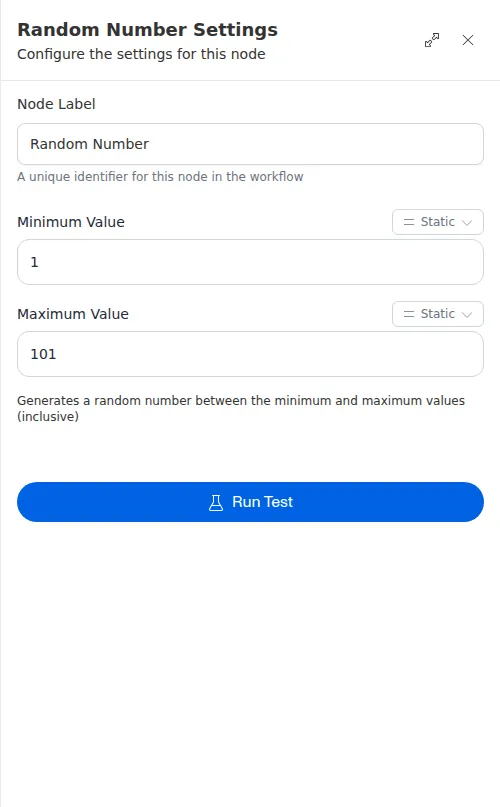
The result is a whole number, not a decimal. To turn it into a percentage chance, pick a range like 1 to 100 and compare the result against your threshold in the next step.