
Download Call Recording
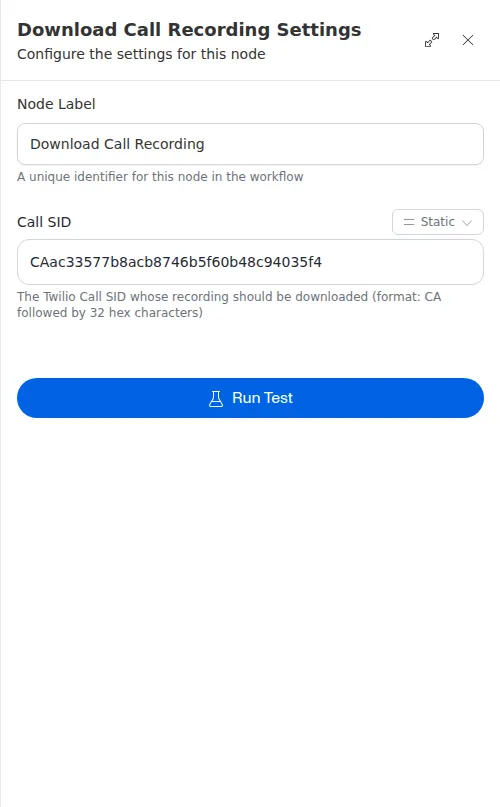
The Download Call Recording node fetches a call’s audio recording and saves it as a file in the workflow. Later steps can then attach it to an email, upload it elsewhere, or hand it off for review.
When to use it
- You want to keep or forward the audio of a call, not just its transcript.
- You want to attach a recording to an email or upload it to another system.
- You want the recording on hand for quality review or record-keeping.
Inputs
The Call ID can be a fixed value or an expression that reads the ID from the trigger or an earlier step.
Outputs
Example
After a renewal call to Sarah Chen, a workflow uses Download Call Recording to save the audio, then attaches that file to a Send Email step so her assigned agent gets the recording for a quick quality check.
A call only produces a recording if one was made and is available. If the recording is missing, too large, or cannot be reached, the node reports the specific reason instead of a file, so route to a follow-up step when that matters.