
AgencyZoom Search Tasks
The Search Tasks node looks up tasks in AgencyZoom and hands back a page of matches. Every filter is optional, so you can search broadly or narrow down to exactly the tasks you want.
When to use it
- You want to find open tasks before working through them.
- You need a page of tasks of a certain kind, for a certain assignee, or due soon.
- You want to search, then complete or update the first match in a later step.
Inputs
Every filter is optional. Any field can be a fixed value or an expression that reads from an earlier step.
Outputs
Example
A workflow tidies up finished work each evening for Chen Insurance Group. It uses Search Tasks to find open onboarding tasks that are already past due, then loops over them with a For Each step to complete the ones whose underlying work is done.
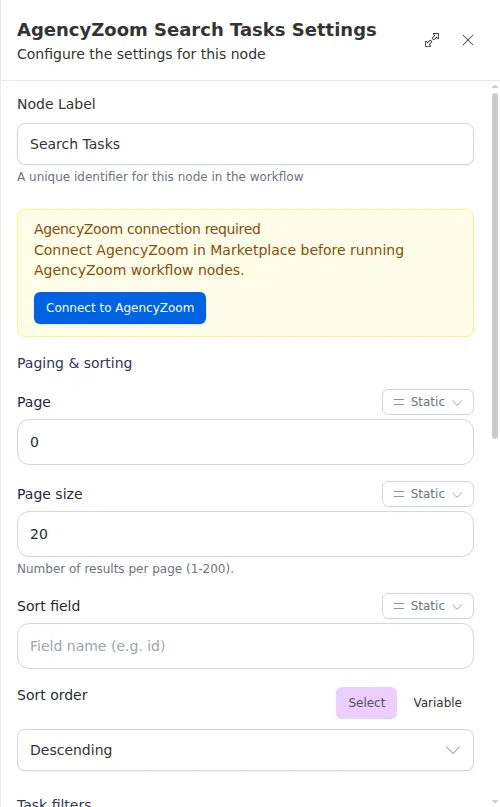
Ask for only the page size you need. Large pages bloat the run’s history, so keep the default of 20 unless you truly need more, and page through results rather than pulling everything at once.