
Sub Graph
The Sub Graph node bundles a group of steps into one tidy box on the canvas. The steps inside run as a unit and hand their final result back to the main workflow. It keeps a busy workflow readable and groups related work that belongs together.
When to use it
- Your workflow is getting crowded and you want to tuck a related set of steps into one collapsible unit.
- You have a self-contained piece of logic, like scoring an application, that you want to keep separate and easy to follow.
- You want a group of steps to produce one clean result the rest of the workflow can read.
Inputs
The steps inside can read values from the main workflow, and the group’s final result becomes available to the steps that come after it.
Outputs
Example
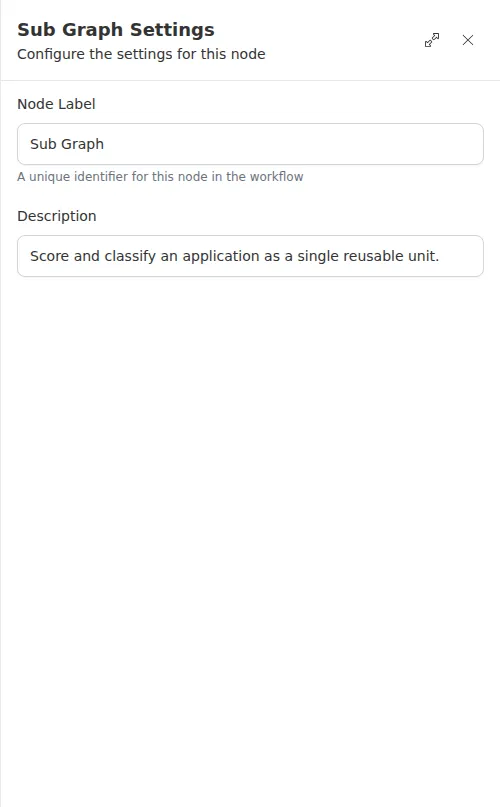
An agency reuses the same application-scoring logic in more than one place. Those steps, scoring the applicant and classifying the score, live inside a Sub Graph named “Score and classify an application.” On the canvas it reads as a single box; the main workflow reads its result and routes accordingly. Grouping the work keeps the top-level flow easy to follow.
End a Sub Graph with a small, clear step like Check so it hands back a clean, labeled result rather than a large block of data.