
Get Call Data
The Get Call Data node pulls everything Gail recorded about a call: the recording details, the full transcript, who was on it, why they called, how it ended, and any custom fields. Use it to process or route a workflow based on what actually happened on a call.
When to use it
- You want to read the transcript of a call to decide what to do next.
- You want to route the run based on the call’s category or how it ended.
- You want to hand the transcript to an Agent to summarize or pull out key points.
Inputs
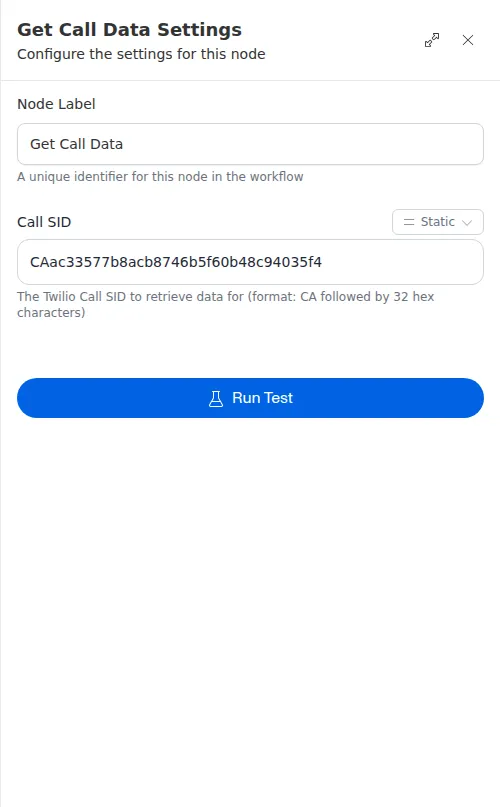
The Call ID can be a fixed value or an expression that reads the ID from the trigger or an earlier step.
Outputs
Many fields can be empty depending on how far the call got, so treat anything you read downstream as possibly missing.
Example
After a renewal reminder call to Sarah Chen, a workflow uses Get Call Data to fetch the transcript and category. A Check step then reads the category: if the call was about billing, the run routes to a follow-up task; otherwise it hands the transcript to an Agent for a short summary logged against her record.
Call details are only as complete as the call itself. A call that was short or went to voicemail may return little or no transcript, so check that a value is present before a later step depends on it.