
End
The End node marks the finish line of a workflow. When a run reaches an End node, that path of the workflow is complete. It does no work and has nothing to configure, it simply signals that there is nothing left to do.
When to use it
- Every path through a workflow needs somewhere to stop, and that is what End provides.
- You want a clear success finish separate from an error finish. A workflow can have more than one End node, so you can route a failed step to its own ending.
Inputs
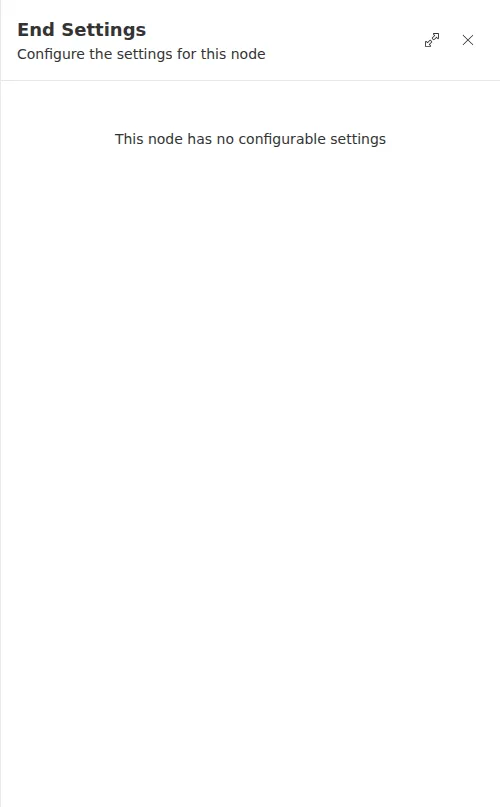
The End node has nothing to configure.
Outputs
The End node produces nothing.
Example
An agency workflow looks up a caller’s details before logging the outcome. The main path ends at an End node named “Success.” If the lookup step fails, its failure route leads to a second End node named “Error.” Anyone reading the run history can tell at a glance which ending a given run reached.
Give each End node a clear name like “Approved” or “Declined” when a workflow has several endings. The name shows up in the run history and makes it obvious how a run turned out.