
AgencyZoom Get Customer
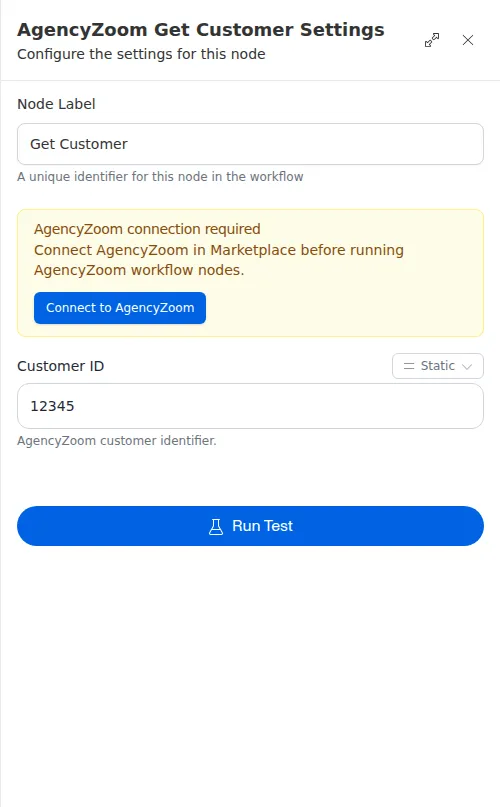
The Get Customer node pulls one customer’s full record out of AgencyZoom by their id, including the policies on the account. Use it once you know which customer you want, often from a Search Customers step.
When to use it
- You have a customer id and want their full details before acting.
- You need a customer’s policies, premium, or other record details in the run.
- You searched for a customer and now want the complete record for the match.
Inputs
The customer id can be a fixed value or an expression that reads from an earlier step, such as the first match from a search.
Outputs
Example
After finding Sarah Chen with a Search Customers step, a workflow uses Get Customer with her id to pull her full record. A later step reads her policies to decide which renewal reminder to send.
This node never stops the run on its own, even when the lookup fails. It always hands back a result, so follow it with a Check or Conditional to handle the case where the customer was not found.