
AgencyZoom Complete Task
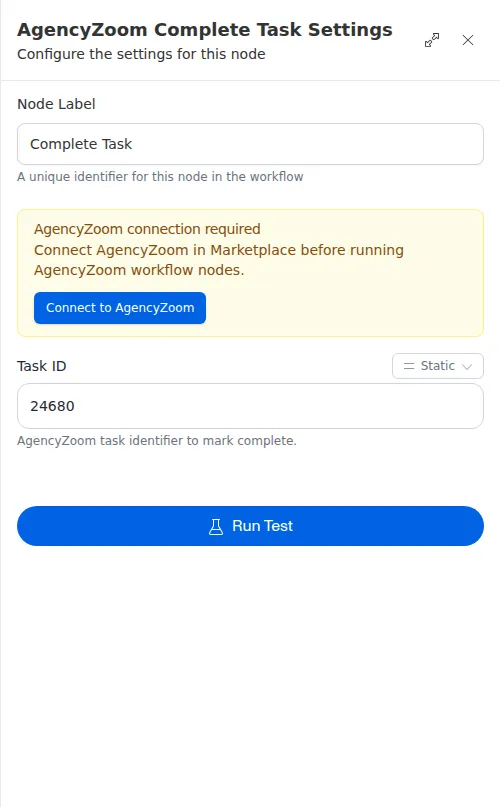
The Complete Task node marks a task done in AgencyZoom by its id. It records who completed the task and when, so it is the right way to close out work a workflow has finished.
When to use it
- A workflow finished the work behind a task and you want to close it.
- You searched for open tasks and want to complete the ones that are done.
- You want to mark a task done and have AgencyZoom record who and when.
Inputs
The task id can be a fixed value or an expression that reads from an earlier step, such as the first match from a search.
Outputs
On success the node returns a confirmation that the task was completed.
Example
A workflow sends Sarah Chen’s onboarding welcome packet, which clears the last step of her onboarding task. It uses Complete Task with the task’s id to mark it done, so her CSR sees it closed out and knows the welcome step is handled.
Use Complete Task to mark something done - it records who completed it and when. Use Update Task with a status of done only when you are already changing other fields in the same step.