
Create Contact List
The Create Contact List node sets up a new, empty contact list in Gail and hands back its ID. Use it to provision a list at the start of a workflow so later steps can populate it with the right people.
When to use it
- You want to group a set of contacts, for example a segment of inbound leads, before reaching out to them.
- You need a fresh list created on the fly, named for the run or the segment it holds.
- You plan to add contacts to the list later in the same workflow using the new list’s ID.
Inputs
Both fields can be fixed values or expressions that draw from earlier steps, so a list can be named after whatever triggered the run.
Outputs
The new list’s ID is the key output: hand it to Add Contact to Contact List to start filling the list.
Example
An agency segments inbound renewal leads by value. A workflow calls Create Contact List to make a “High-Value Renewals” list, then uses the returned list ID in a following Add Contact to Contact List step to add each qualifying policyholder as it processes them.
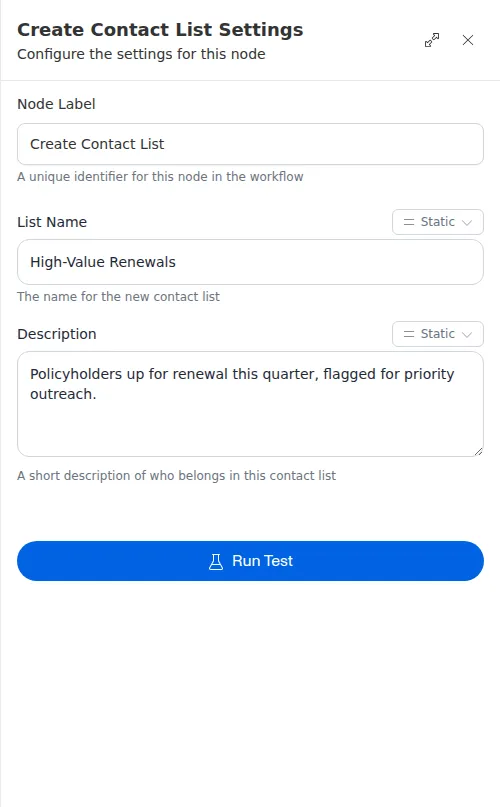
The list name and description cannot be blank. If either is drawn from an earlier step and arrives empty, the node reports the problem rather than creating an unnamed list.