
Map
The Map node takes a list and reshapes each item in it, producing a new list. You describe the shape you want once, using the current item and its position, and the node applies it to every item. It is the quick way to rename fields, combine values, or compute something for each item without building a loop.
When to use it
- You want to reshape a list, such as turning raw imported rows into clean records with friendly field names.
- You want to compute a value for each item, like a full name built from first and last, or a position number.
- You want to pass a list straight through unchanged into the next step.
If each item needs its own sequence of steps rather than a simple reshape, use For Each instead.
Inputs
Each projection expression can read only the current item and its position in the list. If you need other information, add it to the items in the step that builds the list.
Outputs
Example
An agency imports a spreadsheet of prospects and needs it in a tidy shape before
the next step. A Map node reads the parsed rows and, for each one, builds a
full_name from the first and last name, copies the state, and adds a
position number. The result is a clean list of prospects, with Sarah Chen at
position 1 and Marcus Johnson at position 2, ready for the steps that follow.
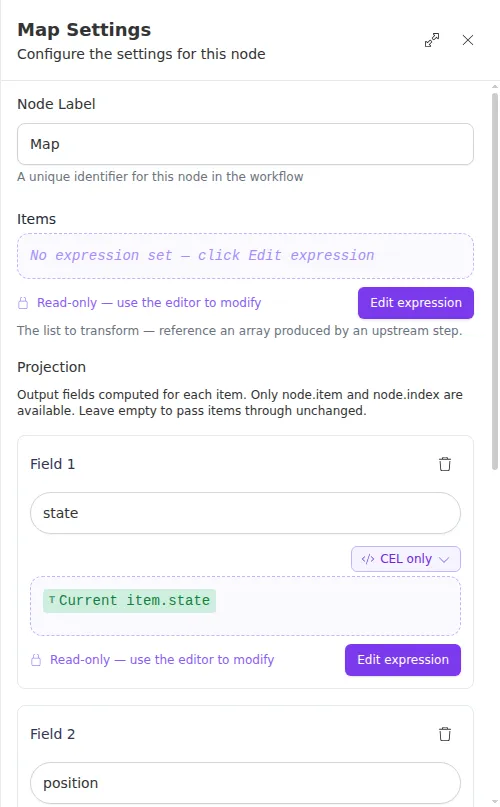
A projection expression can only see the item it is working on and that item’s position, not other steps’ results. If a projection needs a value from elsewhere, fold that value into the list first, in the step that builds it.